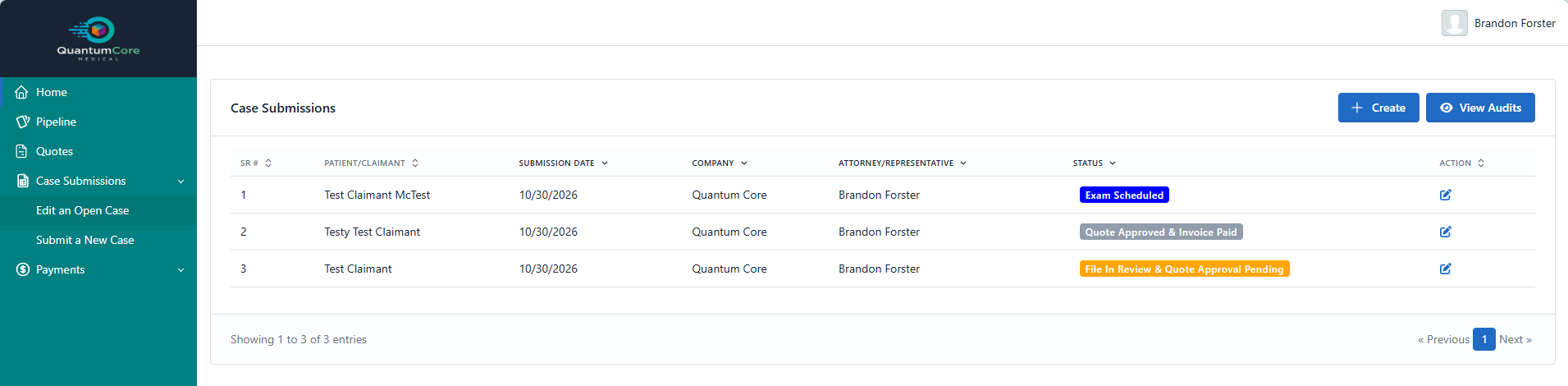
Built for attorneys, paralegals, claims adjusters, third-party administrators and nurse case managers who refer cases regularly and want everything in one place.
How the Portal Works
Step 1
Create Your Free Account
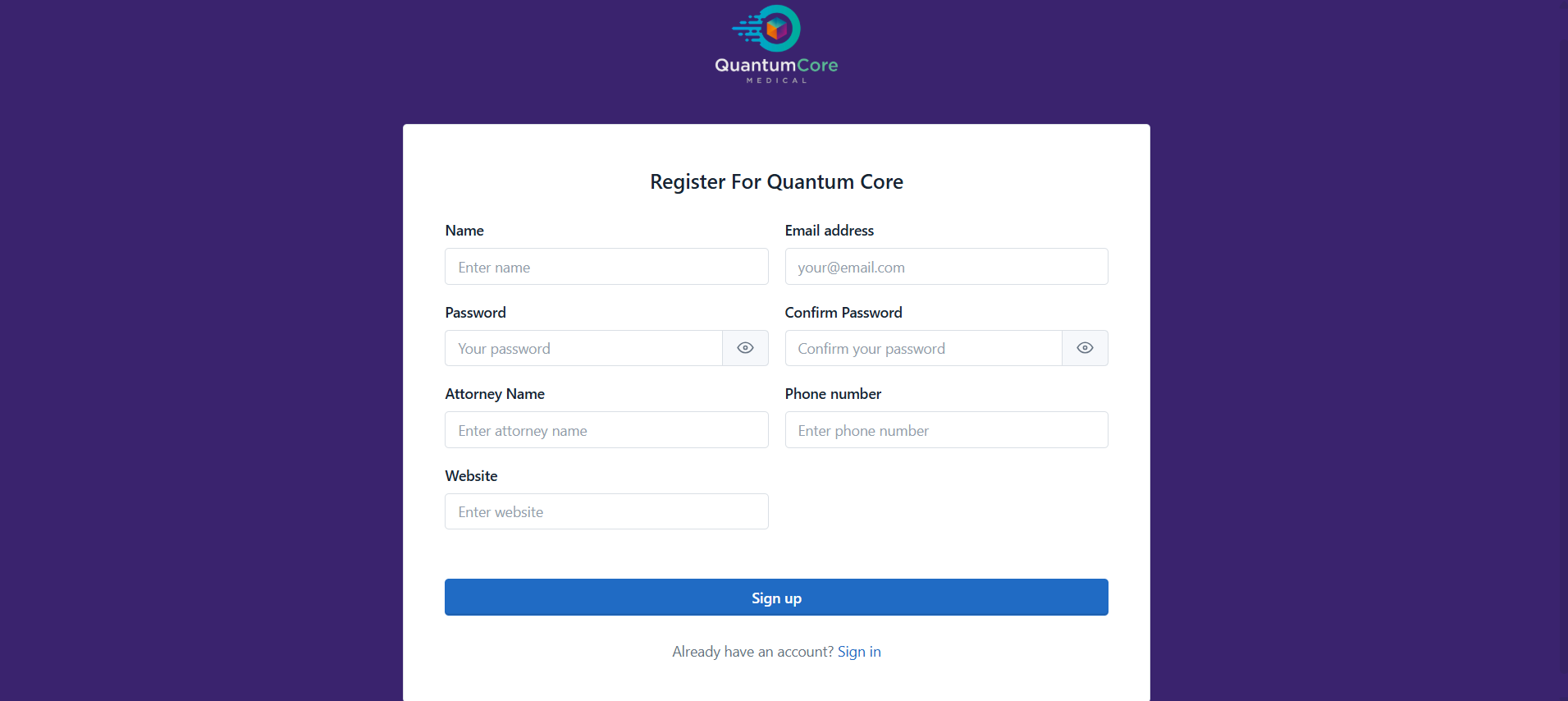
Create your free account with your name, email address and phone number. There is no cost to sign up.
Step 2
Submit a Case
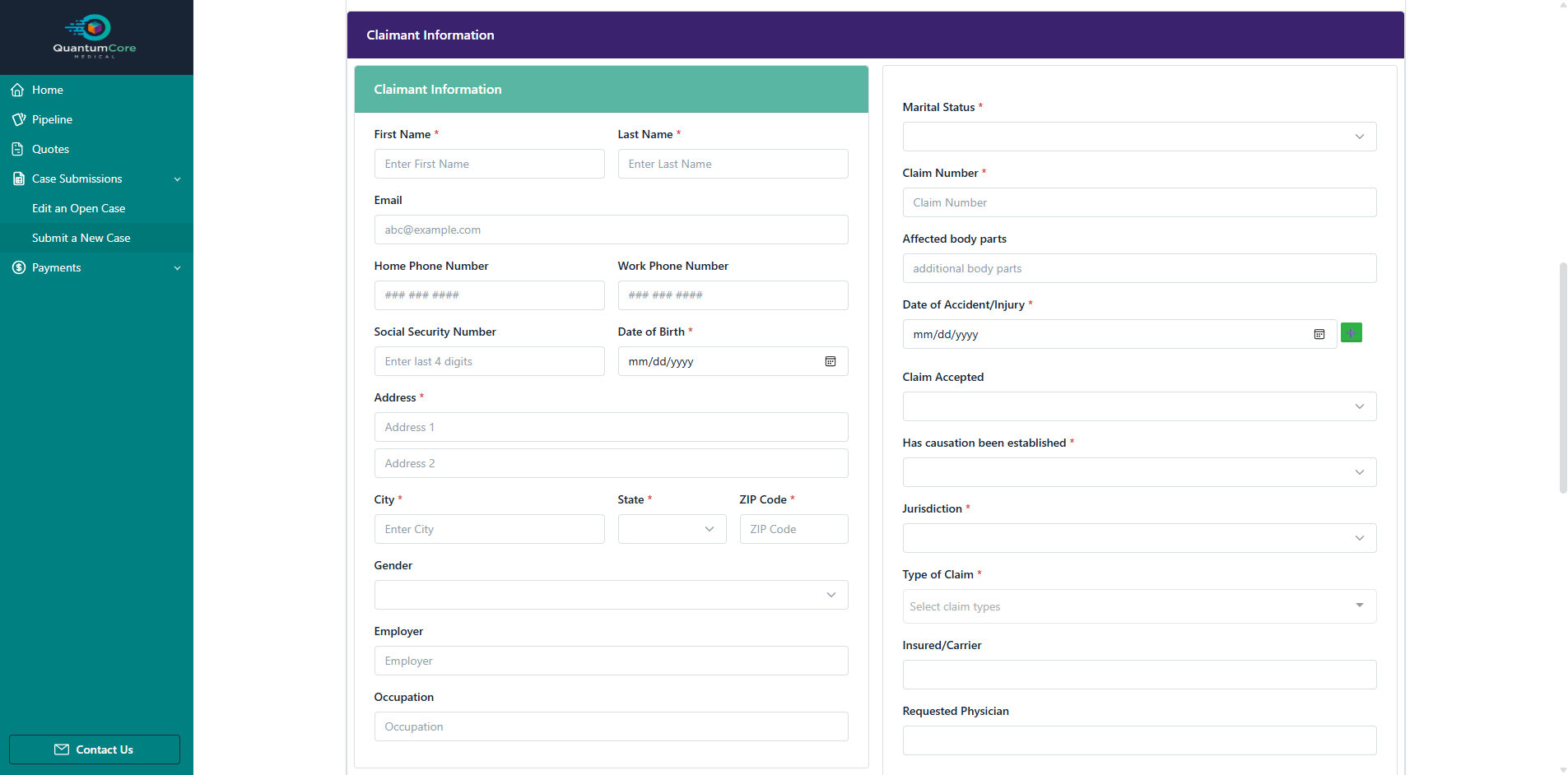
Enter your contact and billing details, the claimant and claim information, and the questions you need answered. You’ll receive a confirmation email with your referral details as soon as you submit.
Step 3
Upload Your Records
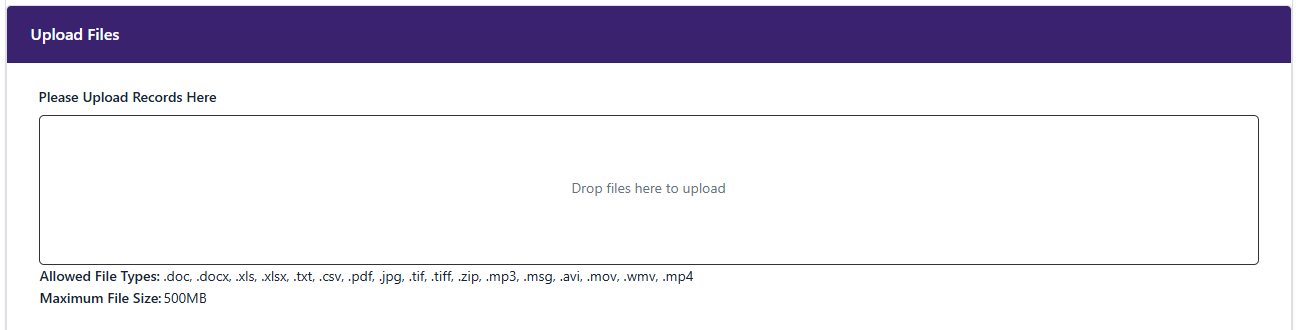
Attach medical records, imaging reports and prior evaluations directly on the case form. Common document, image, audio and video formats are accepted, up to 500 MB per file.
Step 4
Review and Accept Your Quote
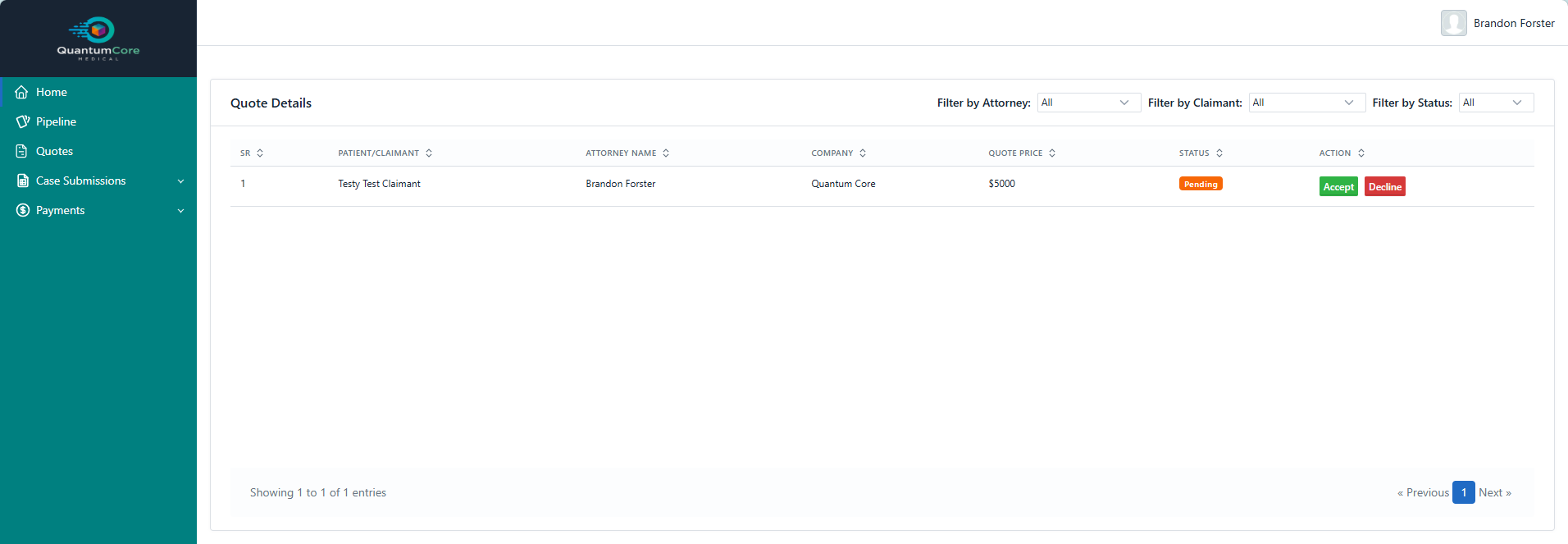
After our team reviews your referral, your quote appears under Quotes in the portal. Accept it with one click, and we schedule the exam.
Step 5
Track Every Case
See all of your cases in one list with the current status of each one, from exam scheduling and report completion through invoicing and Report Delivered.
Prefer Not to Use the Portal?
You can also send a referral by email to referrals@quantumcoremed.com or call 314-788-3988. Include the claimant’s name, the case type, the records you have and the questions you need answered.